

For BC heavy civil contractors
Keep crews working. Get paid for all of it.
Heavicon is for the owners, project managers and operations managers running civil jobs in BC. Foremen fill it in on their phones. You see which locates and permits are about to lapse, have the safety records ready when WorkSafeBC asks, and start month end with the progress claim already built.
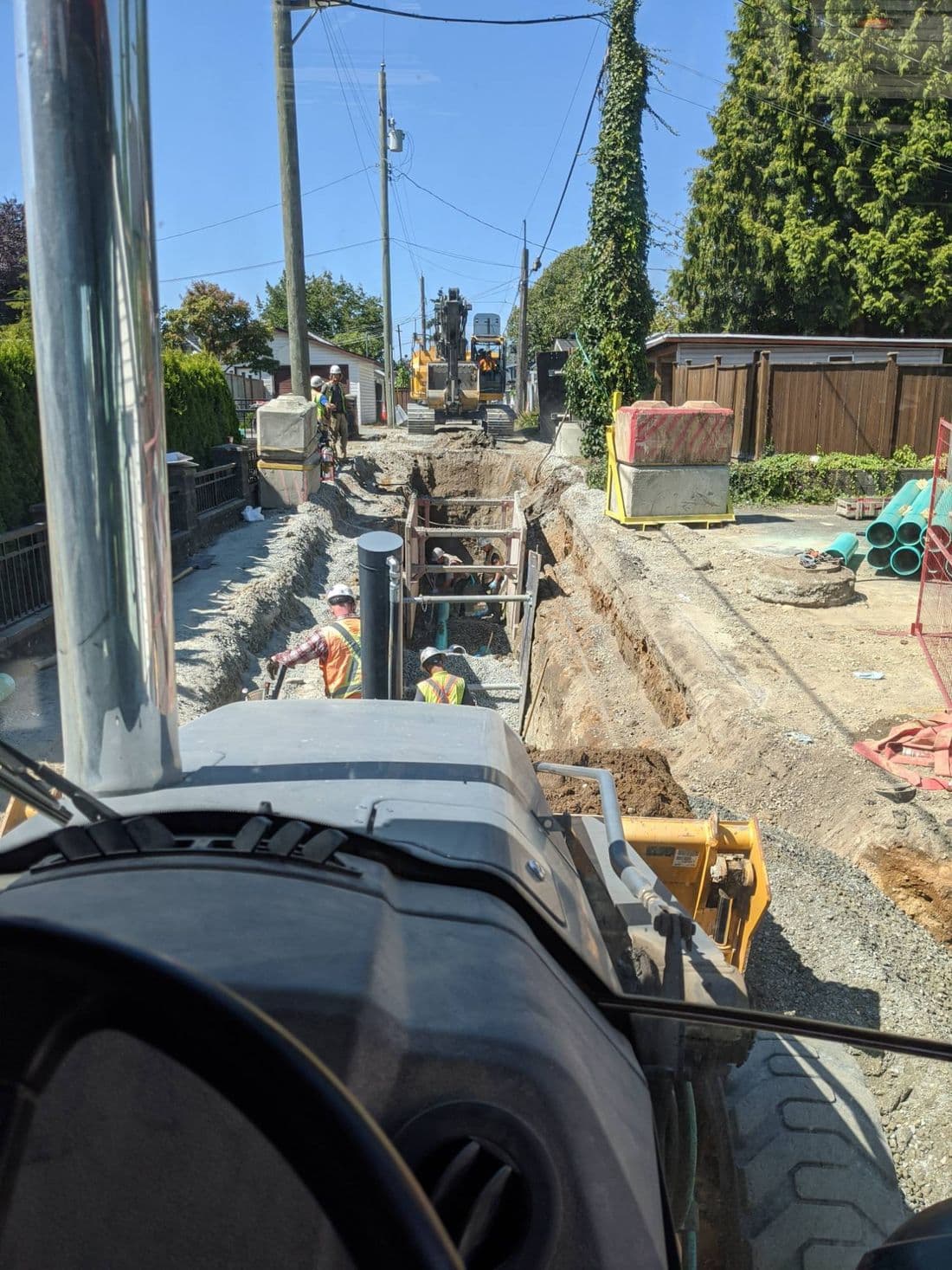
Where a civil job loses time and money
None of these are big problems on their own. Together they are crews standing around, fines, and money left on the table every month.
Tuesday
A locate ticket lapsed and nobody noticed until the excavator was on site.
A crew and a machine standing around on your dime.
Heavicon counts OneCall working days and warns you before a ticket runs out. See how →
Thursday
WorkSafeBC is on site asking for last week’s hazard assessments.
Forms filled out late, half signed, or sitting in a truck.
Every form is signed on the phone and filed by job and date. See how →
Month end
The quantities don’t match what the foreman texted.
Days spent rebuilding the progress claim from paper, photos and memory.
Daily quantities roll into the progress claim, holdback already worked out. See how →
Everything about to lapse, on one screen
Open Heavicon and the first thing you see is what needs you across every job: locates running out, permits ending, designs waiting on your approval. Nothing sits buried in a job folder until it stops a crew.
Try it: open each item and clear the list.
Needs attention
Friday, March 13 · 4 active jobsThe first screen when you open Heavicon. Tap an item to deal with it.
The same list reaches your phone as a notification, scoped to the jobs you run.
One system for the paperwork that follows the work
Field and compliance
No lapsed locates, permits or safety paperwork stopping the job.
- BC OneCall renewals
- Hazard assessments, inspections and worker tickets
- Traffic control plans and road use permits
- Job files in one place
Billing
Progress claims that go out on time and include everything you did.
- Contract items from your schedule of quantities
- Daily production reports
- Progress claims with statutory holdback
- Job cost by contract and extras
Hauling
Know the cheapest pit, delivered.
- Approved depots ranked by cost
- Live traffic in trucking time
- Backhaul pairing
- Saved routes per job
Fits how you already work
- Runs on the phones your crews already carry
- iPhone, Android, tablet or desktop. Nothing to install.
- Contract items the way your contract lists them
- Item numbers, units, quantities and unit prices from the schedule of quantities, on MMCD municipal work, MOTI jobs or private sites.
- Holdback the way BC does it
- Statutory holdback under the Builders Lien Act, held and tracked on every progress claim.
- Forms that match your safety program
- Build your own hazard assessments and inspections, ready when WorkSafeBC asks.
- Your rates, your markup
- Labour, equipment and material rate sheets with markup per business unit.
- Works on its own, or with HCSS
- No other system needed. If you already run HCSS, employees, cost codes and timecards stay in step.
Built for BC heavy civil. Taking early customers now.
Heavicon is new. It was built from the start for heavy civil contractors in BC, not adapted from software made for building contractors. We're bringing on our first customers now, and we'd rather tell you that plainly than pretend otherwise.
- First three months free
- Use Heavicon on your live jobs before you pay anything.
- A say in what gets built next
- Early customers talk directly with the people building Heavicon, and what they ask for shapes what we build.
Getting started
- 1
Book a demo
Tell us a bit about your company and the work you do.
- 2
We reach out
We’ll get in touch to find a time that works around your schedule.
- 3
See it on your work
We walk through Heavicon using one of your jobs, not a sample project.
See it on one of your jobs
Bring a OneCall ticket, a daily report or last month’s progress claim. We’ll walk through the same thing in Heavicon.