

Field and compliance
Nothing lapses and stops the job
A lapsed locate, a missing hazard assessment or an expired road use permit can stop a job. Foremen fill everything in on their phones, and you see what is about to run out across every job before it costs you a day.
Locates renewed before the excavator stops
BC OneCall tickets run on working days, not calendar days. Heavicon does the counting and puts the tickets due this week at the top.
- Working-day deadlines
- Weekends left out of the count.
- Sorted by urgency
- Overdue, due soon, upcoming and on track.
- One-tap renewals
- Start the renewal from the existing ticket.
- Files on the ticket
- Locate sheets and utility responses kept with the call.
OneCall tickets
1 overdueAttach utility responses
Attach utility responses
Attach utility responses
Attach utility responses
Utility responses stay on the ticket. A renewal starts from the existing call and carries the files you mark forward.
Hwy 1, Chilliwack · Mar 13, 2026 · 7:12 AM
Answer each check. Try marking one as Fail.
Tickets
Hazard assessments and inspections, signed and filed
Hazard assessments and site inspections are filled in on the phone, stamped with GPS and time, and signed by the crew. When WorkSafeBC asks, you pull it up by job and date.
- Your own forms
- Build hazard assessments, inspections and incident reports to match your program.
- GPS, time and photos
- Attached to every submission automatically.
- Crew signatures
- No paper to scan. The record exists once they sign.
- Ticket expiry
- First aid, WHMIS, traffic control, fall protection and any other ticket you require.
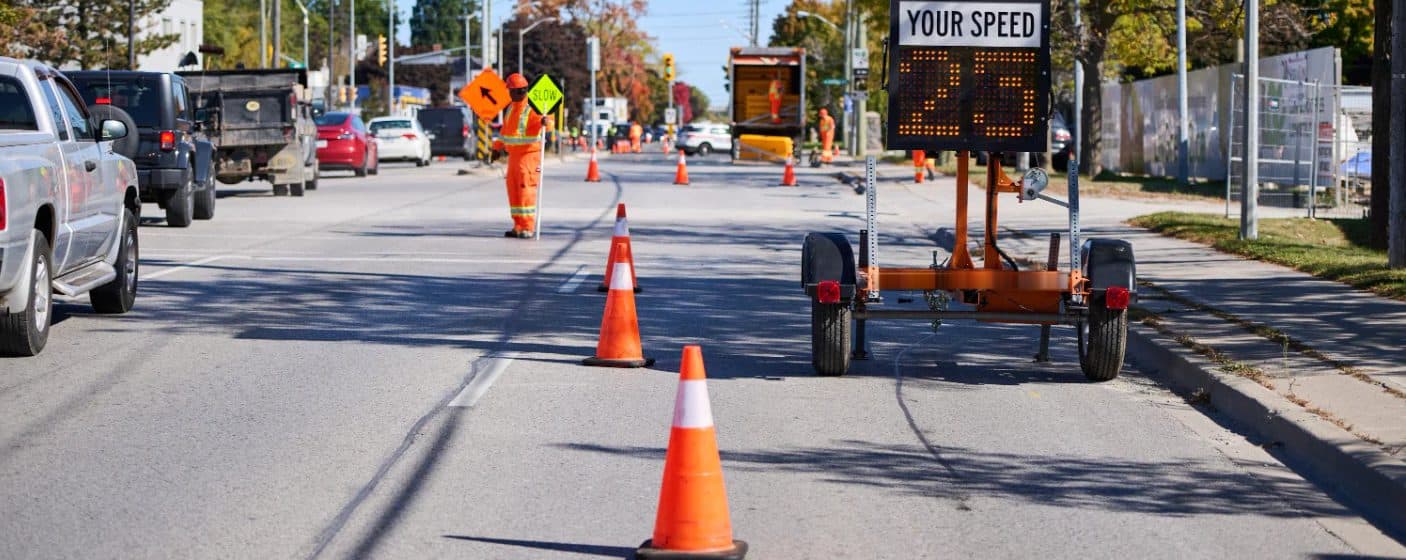
Know which plan is approved and when the permit runs out
Every traffic control plan carries its revision and the road use permit behind it, whether it came from the City, the District or MOTI. Mark up the site on a real map and send it to your traffic control company instead of describing it over the phone.
- Status on every plan
- Not sent, with designer, ready to check, needs permit, active or expired. The ones that need you sit at the top.
- Road use permits tracked per plan
- Municipal and MOTI permits with number, authority and expiry, and warnings before they lapse.
- Map markup
- Draw closures, detours and sign placement on the map and share it with the crew.
- Works with your designer
- Request a plan, they upload the design to the standard the road authority requires, you approve it. One version for everyone.
Traffic control plans
Every job, one list. The plans that need you sit at the top.
Hwy 1 lane closure
Valley Traffic Design · MOTI
Kingsway night work
In house · City of Vancouver · permit ends Mar 19
Lougheed shoulder work
Valley Traffic Design · City of Coquitlam
Oak St detour
Valley Traffic Design · City of Vancouver
6th St watermain
In house · City of New Westminster · permit to May 2
Renew-by dates come from each road authority's own notice period, so a City permit and a MOTI permit warn you at different times. Crews see only active plans, with the drawing and permit saved on their phones.
Run a traffic control company instead? See Heavicon for traffic control companies →
Hwy 1 Widening
Job filesEvery job starts with the same folders. Plans, utility responses, forms and reports file themselves here.
Open a folder to see what landed there. Nobody uploaded these by hand.
Drawings, permits and tickets filed by job
Each job gets its own folders. Plans, utility responses, safety forms and reports land there on their own, linked back to where they came from.
- Folders per job
- Shared, admin and personal folders.
- PDFs open in the browser
- No download, no extra app.
- Drag and drop
- Upload and reorganize on desktop or phone.
- Linked to the source
- Generated documents point back to the form or report that made them.
Next: Billing
Progress claims that include everything you did
See it on one of your jobs
Bring a OneCall ticket, a daily report or last month’s progress claim. We’ll walk through the same thing in Heavicon.